 EN
EN

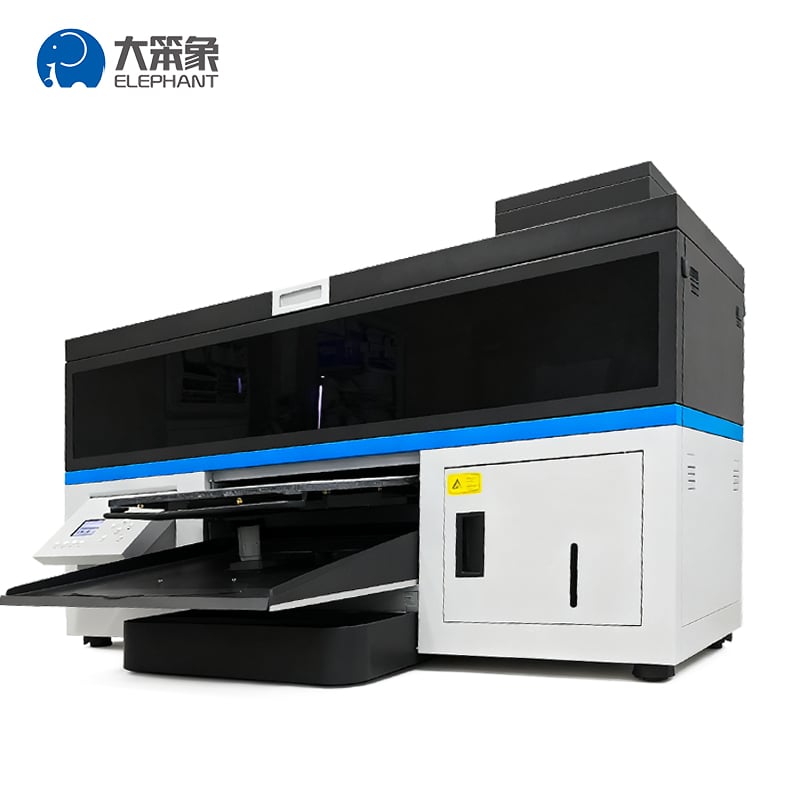
A dtg printer represents one of the most valuable investments for custom apparel businesses, offering unmatched color vibrancy and design precision on fabric. However, owning a dtg printer is only half the battle. The real competitive advantage comes from knowing how to maximize dtg printer efficiency and extract peak performance from your equipment. Many operators leave significant productivity gains and profit margins on the table simply because they haven't optimized their workflows, maintenance routines, or operational practices around their dtg printer.
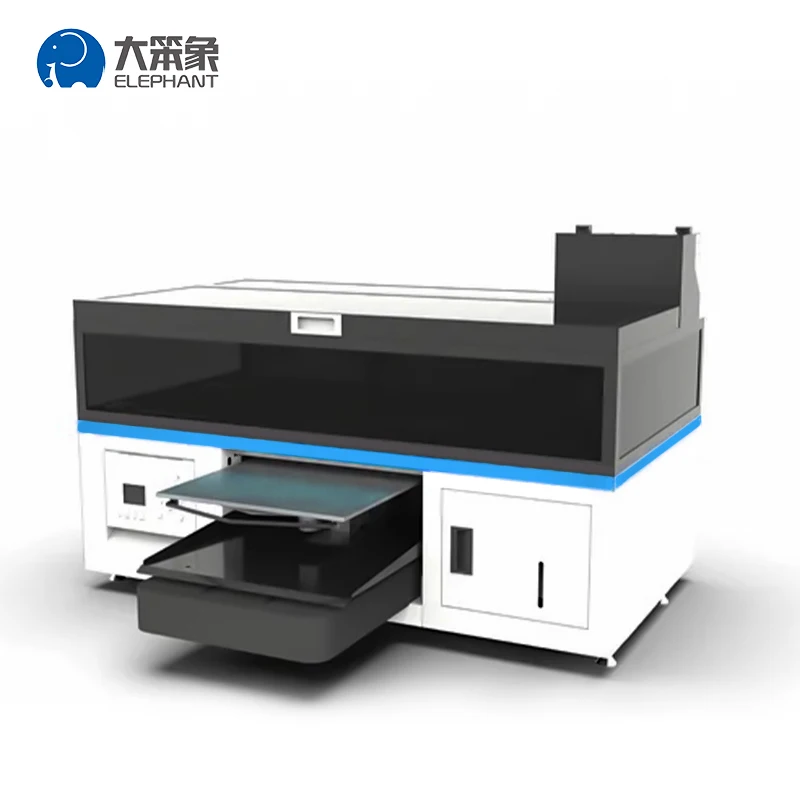
Whether you're running a small custom print shop or a larger production facility, understanding the key techniques to maximize your dtg printer efficiency will directly impact your bottom line. This guide covers the most effective strategies to optimize your dtg printer performance, reduce costly downtime, minimize ink waste, and accelerate throughput without sacrificing quality. By implementing these proven methods, you'll transform your dtg printer into a true profit-generating machine.
Understanding Your DTG Printer Foundation
Core Components That Drive DTG Printer Efficiency
Every dtg printer operates through an integrated system of printing heads, ink circulation, garment positioning, and curing mechanisms. To maximize dtg printer efficiency, you must first understand how each component contributes to overall output quality and speed. The printhead is the heart of your dtg printer, containing thousands of micro-nozzles that deposit ink droplets with precision. When a dtg printer printhead becomes partially clogged or misaligned, even slight variations dramatically reduce efficiency and quality. Similarly, your dtg printer's ink system must maintain consistent viscosity, pressure, and temperature to ensure optimal droplet formation and color accuracy on every garment.
Pre-Production Setup Excellence for Your DTG Printer
Proper setup is where most dtg printer efficiency gains begin. Before each production run, calibrate your dtg printer registration to ensure precise color layering and eliminate misalignment. Clean the platens and fixtures on your dtg printer to remove lint, dust, and residual ink that interfere with garment placement. Check that your dtg printer software is communicating correctly with your hardware and that design files are optimized for your specific machine. Taking thirty minutes for thorough pre-production setup on your dtg printer prevents hours of wasted production, reprints, and customer complaints.
Advanced Operational Techniques to Boost DTG Printer Performance
Optimizing Print Settings Within Your DTG Printer
One of the fastest ways to maximize dtg printer efficiency is mastering your machine's print settings and color profiles. Most operators use factory defaults, leaving substantial performance improvements unused. Work with your dtg printer manufacturer to develop custom color profiles that match your specific garment types, fabrics, and lighting conditions. Adjust your dtg printer ink drop sizes, firing frequencies, and pass counts based on fabric absorption rates rather than using blanket settings for all materials. Dark fabrics require different dtg printer ink volumes and pre-treatment than light colors, so creating fabric-specific profiles ensures every print exits your dtg printer at peak quality with minimal wasted ink.
Streamlining Workflow and Throughput With Your DTG Printer
Workflow efficiency directly multiplies your dtg printer capacity without investing in additional hardware. Batch similar design jobs together to minimize setup changes on your dtg printer and reduce downtime between runs. Use design management software that integrates with your dtg printer to automate file preparation, color separation, and print queuing. Position your dtg printer workstation to minimize physical movement between pre-treatment application, printing, and curing stations. Train operators to understand your dtg printer's queuing system and use production scheduling to prevent idle machine time. Even small workflow optimizations compound dramatically when you're running dozens of prints daily on your dtg printer.
Maintenance Protocols That Preserve DTG Printer Longevity
Preventive Maintenance Routines for Your DTG Printer
Consistent maintenance is the foundation of sustained dtg printer efficiency and dramatically extends equipment lifespan. Establish a daily cleaning routine for your dtg printer that includes wiping printheads, clearing ink residue from nozzles, and flushing circulation lines. Run cleaning cycles on your dtg printer at the beginning of each shift and between major job transitions to keep nozzles open and prevent ink settling. Check your dtg printer ink levels before each production day and maintain recommended viscosity ranges by monitoring ink tank temperature. Document all maintenance activities on your dtg printer in a log to identify patterns and anticipate component wear. Proactive maintenance prevents emergency breakdowns that halt your dtg printer during peak production windows.
Troubleshooting and Longevity Strategy
Even with excellent care, your dtg printer will occasionally encounter performance issues that require targeted troubleshooting. Common dtg printer problems like color banding, nozzle misfire, or registration drift have specific remedies when addressed promptly. Keep spare parts recommended by your dtg printer manufacturer on hand, including cleaning solutions, dampers, and circulation pump components. Monitor your dtg printer ink consumption patterns to identify unusual usage that signals underlying mechanical issues. Build relationships with qualified dtg printer service technicians who understand your specific machine model and can provide rapid support when complex repairs are needed. Treating your dtg printer as a high-value asset rather than disposable equipment ensures years of consistent, profitable operation.
FAQ
How often should I perform maintenance on my DTG printer to maintain efficiency?
Daily maintenance routines are essential for optimal dtg printer efficiency. At minimum, run cleaning cycles at the start of your shift and perform visual inspections of the printhead and ink system. Weekly deep cleaning of circulation lines, monthly nozzle alignment checks, and quarterly professional servicing keep your dtg printer operating at peak performance levels. The investment in consistent maintenance on your dtg printer prevents downtime that costs far more than preventive care.
What impact does garment pre-treatment have on DTG printer output quality?
Proper garment pre-treatment is absolutely critical to maximize dtg printer efficiency and color quality. Pre-treatment prepares fabric fibers to accept ink from your dtg printer, ensuring vibrant colors and wash durability. Without adequate pre-treatment, your dtg printer ink sits on the fabric surface rather than bonding with fibers, resulting in faded, cracking prints. Investing time in correct pre-treatment techniques significantly improves your dtg printer's perceived performance and customer satisfaction.
Can software updates improve my DTG printer efficiency?
Yes, manufacturers regularly release firmware and driver updates for your dtg printer that improve performance, add features, and fix bugs affecting efficiency. Check with your dtg printer supplier regularly for available updates and apply them during scheduled maintenance windows. Updated software can enhance your dtg printer's color accuracy, reduce print times, and improve compatibility with design software. Always back up your dtg printer settings before applying updates to prevent configuration loss.